Teach any song, any instrument.
Split any song into stems, share the exact part a student needs, and build a chart library that follows them home between lessons.
Sound familiar?
Students want to learn pop songs
But you've got a different student, different instrument, every 30 minutes.
Sharing parts is a mess
Screenshots, screen-recordings, WhatsApp voice notes - nothing they can practice with between lessons.
Every kid plays something different
You can't sight-read the bass line, the piano part, and the vocal harmony all at once.
Everything you need,
nothing you don't.
Isolate any part, share with students, and teach songs across every instrument.
Isolate any part
Pull out the guitar, bass, vocals, or drums of any song in one click.
Slow playback preview
Drop the tempo without warping pitch so students can hear every note.
Share with students
Invite a student and they get the stems, chart, and key - ready before your next lesson.
Chord-chart library
Build a studio-wide library of charts that follows each student across sessions.
Three steps.
One source of truth.
Create your space
Invite your bandmates, students, or team and drop in the songs you're working on this week.
Split and organize
Upload tracks and get isolated stems in a minute or two. Build setlists and charts everyone can see.
Rehearse and play
On the Gig and Stage plans, open LIVE on each player's phone, tablet or laptop for the setlist's charts, keys, and cues.
Music Planner is a fantastic tool. I use it all the time to learn new songs, and I can isolate the instruments to hear the details more easily. If the tempo is a little fast, I can also slow it down.
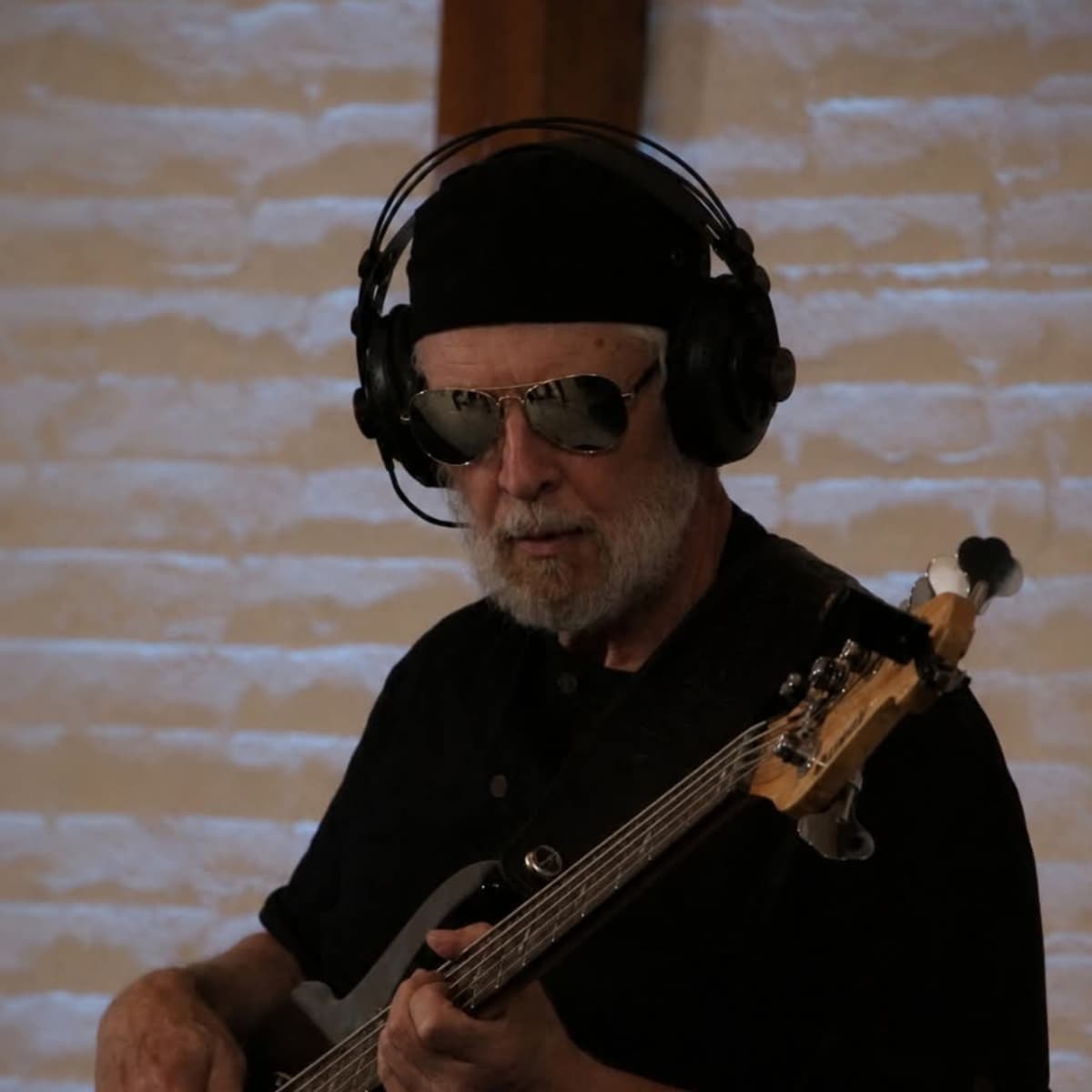
Arne H.
Bass/Guitar Worship Band
What changes when you switch.
Same band, same songs - less chaos.
Without Music Planner
With Music Planner
✕
Making practice tracks by hand in Logic
✓
One-click stem splits for any song
✕
Emailing different files to every student
✓
Share directly with each student's account
✕
No way to slow a song without pitch issues
✓
Tempo control with pitch preserved
Common questions.
Everything music teachers ask before they start.
Music Planner works for every kind of band.
For Cover Bands
Plan sets, split stems, and rehearse tighter for every weekend gig.
For Worship Teams
Rotating volunteers, tight Sunday deadlines, and 4 instruments that need to sound like one.
For Wedding Bands
40-song sets, every client wants something different, and the soundcheck is 20 minutes.
For Drummers
Drumless tracks, section looping, and practice that actually moves the needle.
Ready to tighten your music teachers workflow?
Join Music Planner for free and start collaborating today.
Set up your studio free →Music Planner
Band collaboration made effortless. Upload songs, plan setlists, run the stage.
© 2026 Music Planner
Made with ♥ for bands by Osukā Creative